Websites for dentists
A website for your dental practice, done for you
People choose a dentist carefully, and often with a little dread. Your site should answer the practical questions first, whether you take new patients, where you are and when you’re open, then explain each treatment in words a nervous patient can read.
A sample we built: Marlowe Creek Dental
Sample · fictional business
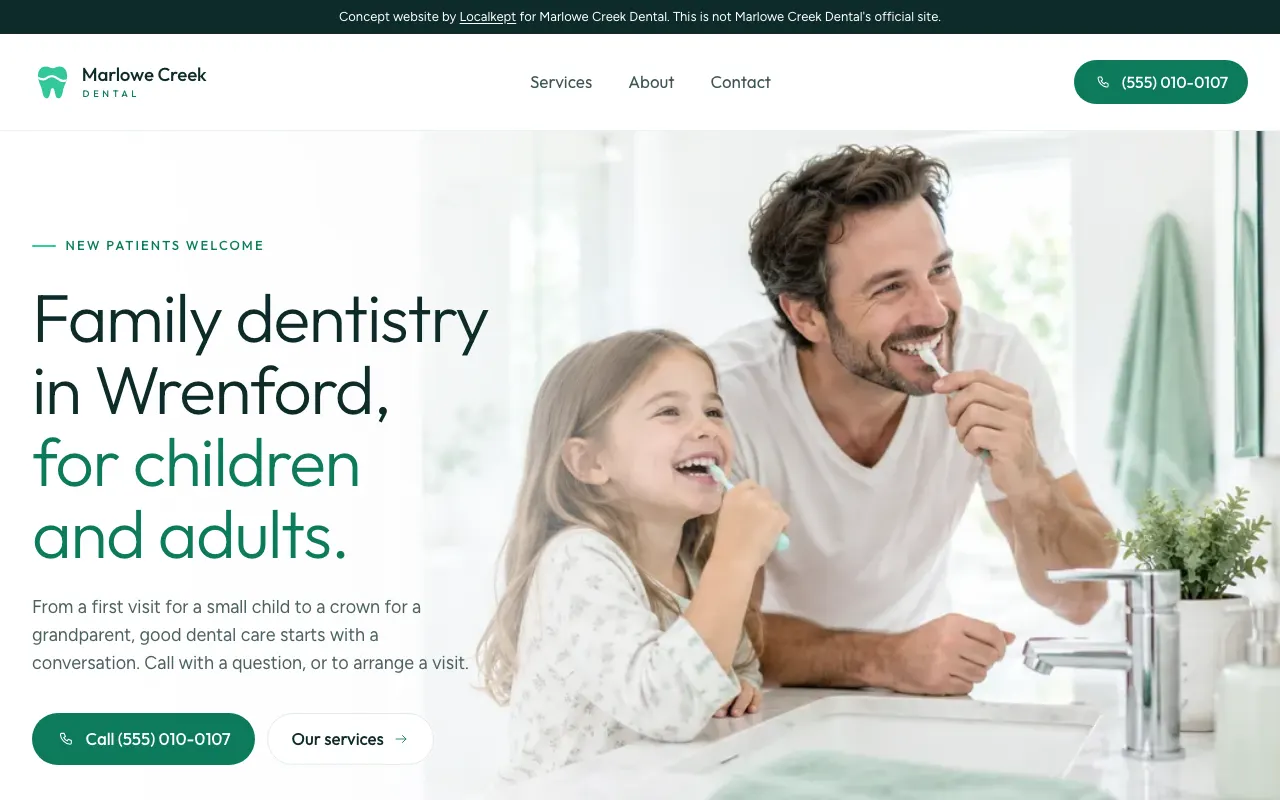
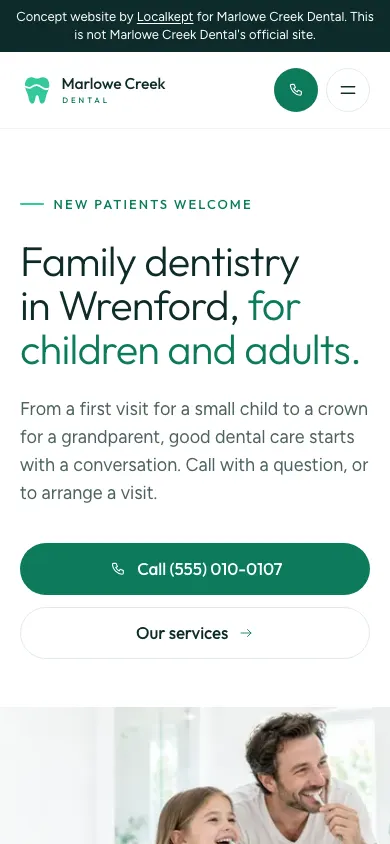
The Marlowe Creek sample opens with “New patients welcome” above a headline about care for children and adults, with the phone number at the top of the page. Marlowe Creek Dental is a fictional business in the made-up town of Wrenford, with a (555) phone number and an .example address. We built it to show our work. It isn’t a customer.
What a dental practice’s site needs
New patients, front and center
Whether you’re taking new patients is often the first thing people want to know. If you are, say it at the top of the page, as the sample does.
Treatments in plain words
Cleanings, fillings, crowns, whitening: each explained simply, so patients know what they’re coming in for and feel a little calmer about it.
Who the practice is for
Families, children, adults, older patients. Saying who you see helps a parent decide before they pick up the phone.
Address and hours from any page
Patients look these up on the way to an appointment. Your address with a map, and your hours, should be a tap away wherever they are on the site.
Insurance, only if you say so
If your current site lists the plans you accept, we can show them. If it doesn’t, we leave insurance out rather than guess.
Reviews patients trust
A new patient choosing a dentist often wants to hear from current ones. Your Google reviews show on the site live, exactly as written.
How we’d build yours
We read what your practice already publishes, usually your own website, and write the site from it: your treatments, who you see, your hours and your address. It’s laid out for phones first, then for larger screens.
Nothing on it is made up: no treatment you don’t offer, no price you haven’t published. The details we couldn’t confirm from a public source wait for your approval before launch.
The photos on a preview are stock-style images made with AI, never your patients or your office. Once you keep the site, send photos of the practice and we add them.
What it costs
Website
$99 a month
Your site, designed and written for you, with hosting and upkeep, your domain, one business mailbox, changes whenever you ask, and your Google reviews shown live.
Website + Google Business Profile
$150 a month
Everything in Website, plus your Google listing kept current: hours and services updated, photos and posts added, and replies to your reviews that you approve first.
No setup fee. Month to month. Stop whenever you like. See what’s included
Questions dentists ask
- Can patients book online through the site?
- If you use an online booking system, we link the site to it: tell us where it lives and the booking button goes there. Otherwise the site makes calling the front desk one tap.
- Who writes about the treatments?
- We do, in plain words, from what your practice already says about them. You confirm the details before the site goes live, and you can ask for changes whenever you like.
- Can you update the site when we add a dentist or change our hours?
- Yes. Text, email or use your owner portal. Small changes come back done, with a link to see them; visible ones come with a screenshot for you to approve first.
See your own site before you decide
Tell us your business name, phone and email. We review every request, and if we can build a preview from what’s already public about your business, we email you the private link. Looking costs nothing.
Ask for a preview